



Royalzino Mobile Platform
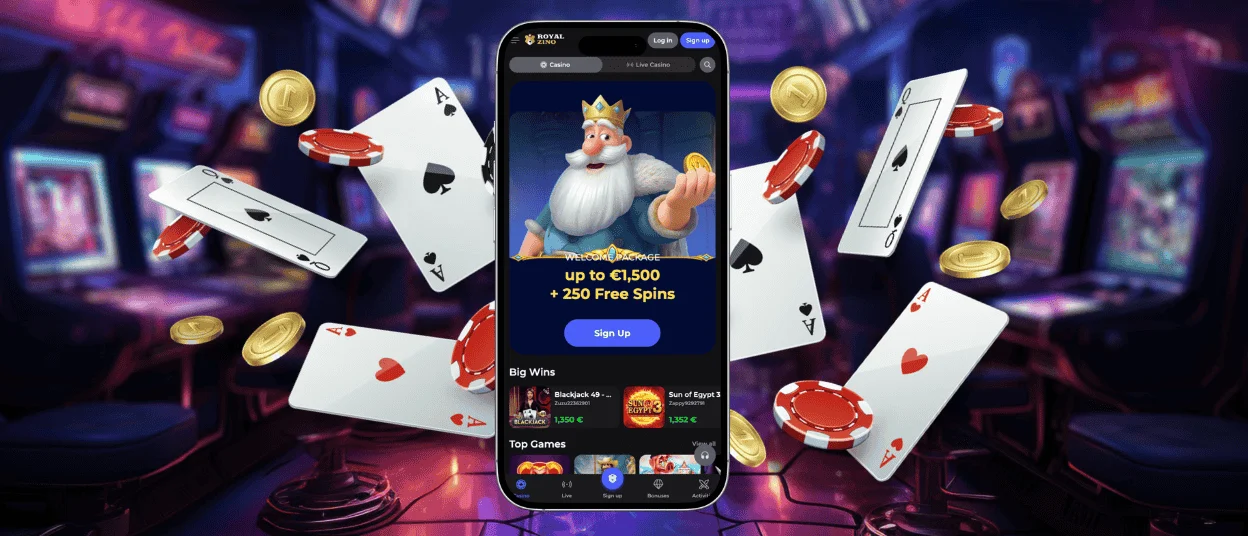
Royalzino doesn’t have a dedicated app in the App Store or Google Play — instead it works as a progressive web app. Just open the casino on your phone and save the shortcut. Android or iOS, both work. It feels pretty much like a regular app after that, and the desktop version carries over to mobile completely. Nothing gets cut out when you switch to your phone.



Gaming on the Go with Royal Zino
Mobile gaming has become the primary way players interact with online casinos. Royalzino Casino built its platform with this reality in mind. The mobile casino version mirrors every feature available on desktop. We guarantee a consistent gaming experience regardless of which device you pick up. Account balances, bonus progress, game history, and preferences sync automatically across all platforms.
The Royalzino app functions as a progressive web app (PWA), which means installation happens directly from our website rather than through app stores. This approach offers several advantages — no waiting for app store approval updates, minimal storage requirements on your device, and instant access to the latest features the moment they launch. Android and iOS users benefit from smooth performance and real-time synchronization.
Device Compatibility
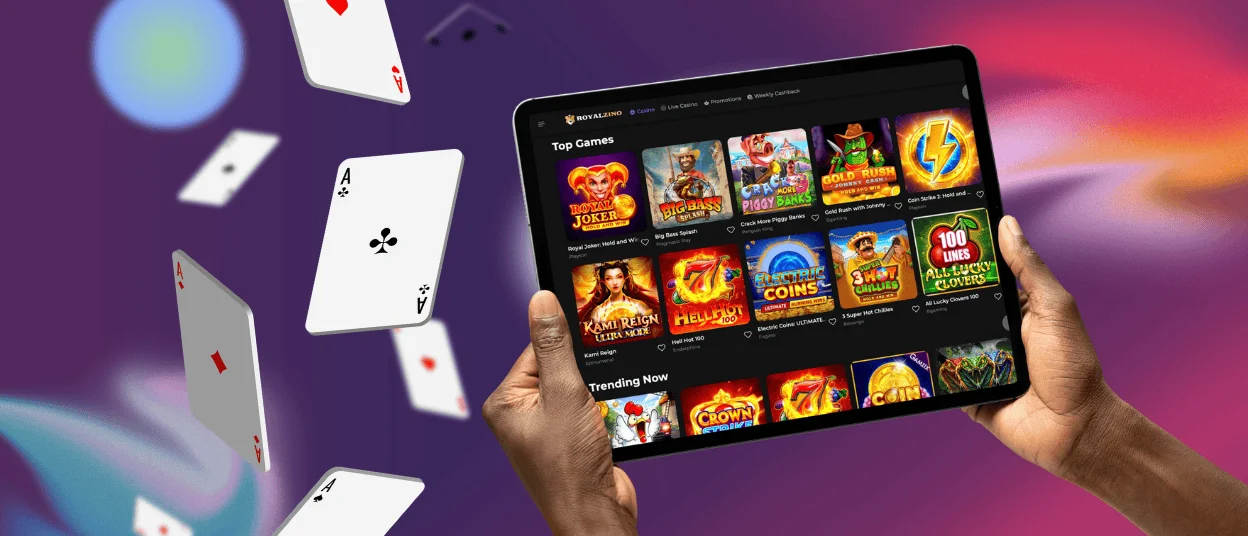
Royalzino supports a wide range of devices to accommodate how players actually use their phones and tablets. The app runs smoothly on Android devices version 8.0 and higher, while iOS users need version 12.0 or later. Tablets receive the same treatment — the interface scales appropriately whether you hold an iPad, Samsung Galaxy Tab, or any other popular model.
| Platform | Minimum Version | Recommended | Storage Required |
| Android | 8.0 (Oreo) | 10.0+ | Under 50MB |
| iOS | 12.0 | 14.0+ | Under 50MB |
| Tablets | Same as above | Same as above | Under 50MB |
Screen size adaptation works automatically. Portrait and landscape orientations display correctly without manual adjustment. Touch controls respond precisely to taps, swipes, and gestures — slot reels spin with a tap, table games accept bets through intuitive touch interfaces, and live casino streams play without interruption.
Desktop and Mobile App Comparison
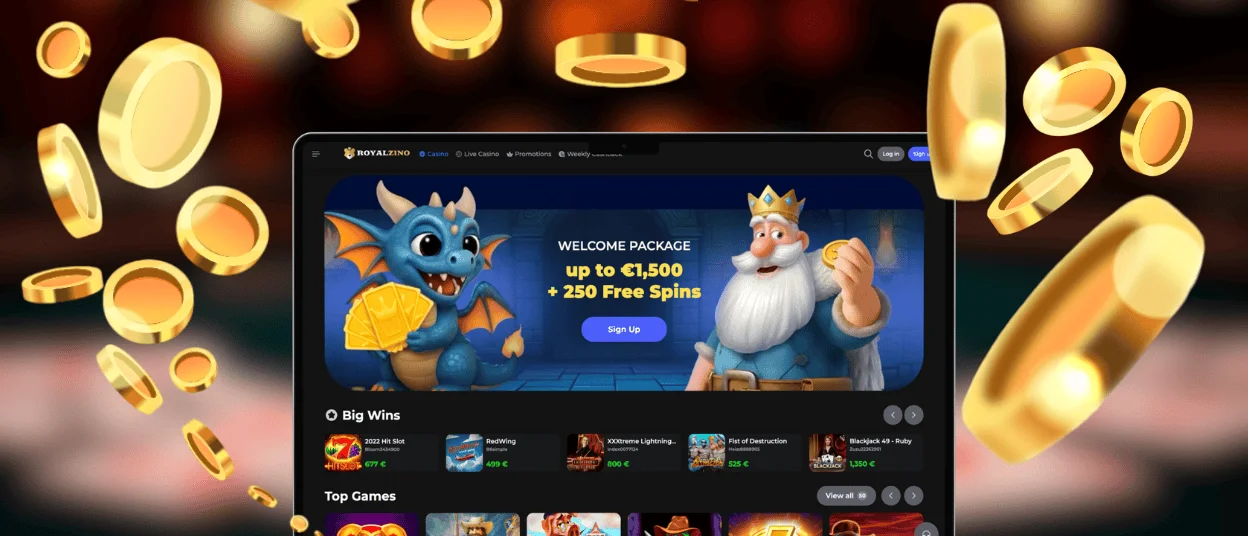
Both platforms deliver identical functionality, though each has particular strengths worth noting. Desktop sessions suit extended play with larger screens showing more game detail and easier multitasking. The Royalzino app excels at convenience — quick sessions during commutes, lunch breaks, or anywhere away from a computer.
Game availability matches exactly between platforms. Our library of over 6,000 online slots, table games, live dealer options, and crash games loads on mobile without restrictions. Providers like Pragmatic Play, BGaming, Spinomenal, and Playson optimize their titles for touch interfaces, maintaining visual quality and bonus features across devices.
| Feature | Desktop | Mobile App |
| Game Library | 6,000+ titles | 6,000+ titles |
| Live Casino | Full HD streaming | HD streaming |
| Deposits | All methods | All methods |
| Withdrawals | Full access | Full access |
| Bonuses | Complete access | Complete access |
| Support | Live chat, email | Live chat, email |
Account management capabilities remain consistent. Deposit funds, request withdrawals, claim bonuses, adjust settings, and contact support — all available through the Royal Zino mobile interface. The verification process works identically on mobile, allowing document uploads directly from your phone’s camera or gallery.
Cross-Browser Performance
Players who prefer browser-based access over app installation find full compatibility across major browsers. Chrome, Safari, Firefox, and Edge all render the Royalzino platform correctly on both desktop and mobile devices. No plugins or extensions require installation — the site loads and functions immediately.
Browser performance stays stable during extended sessions. Memory management keeps the platform responsive even after hours of play. Auto-save features protect your session if connectivity drops momentarily, restoring your exact position when the connection returns.
For the optimal mobile casino experience through browsers, we recommend keeping your browser updated to the latest version. This ensures access to current security protocols and performance optimizations that keep gameplay smooth.
Installation and Setup
Getting the Royalzino app onto your device takes under a minute:
- Open the Royal Zino website in your mobile browser.
- Tap the installation prompt or access the menu to add to the home screen.
- Confirm the installation when prompted.
- Launch the app from your home screen.
The PWA installs without requiring passwords, Apple ID verification, or Google Play account access. Updates happen automatically in the background — no manual downloads or restarts necessary. Storage impact stays minimal at under 50MB, leaving plenty of space for other apps and media on your device.
After installation, log in with your existing Royalzino Casino credentials. New players can register directly through the app, completing the full signup process on mobile. Profile settings, responsible gaming controls, and security options like two-factor authentication are configured identically to the desktop.
Mobile-Specific Features
Certain features work particularly well on mobile devices. Push notifications alert you to new promotions, tournament starts, and bonus availability — opt in through your device settings to stay informed. The support team remains accessible through live chat optimized for mobile keyboards, making it easy to describe issues and receive help while on the move.
Touch ID and Face ID integration on supported devices speeds up login while maintaining security. Biometric authentication eliminates password entry without compromising account protection.
The Royalzino app also handles connectivity variations gracefully. Switching between WiFi and cellular data happens seamlessly mid-session. Lower bandwidth situations trigger automatic quality adjustments for live casino streams, prioritizing smooth gameplay over maximum resolution.
Banking on Mobile
Financial transactions are processed identically on mobile and desktop. All deposit methods — cards, e-wallets, cryptocurrencies, and bank transfers — work through the app interface. Funds arrive instantly for most payment options.
Withdrawals initiate just as easily. Complete the verification process once by uploading identification documents through your phone, then request payouts whenever your balance allows. Processing times match desktop exactly — crypto withdrawals clear within an hour, e-wallets within 12 hours, and card payments within 24 hours.
Transaction history displays complete records of deposits, withdrawals, and bonus activity. Filter by date, type, or status to find specific entries quickly.
Security Standards
The Royal Zino mobile platform maintains the same security infrastructure as the desktop. TLS 1.3 encryption protects all data transmission between your device and our servers. Two-factor authentication adds an extra verification layer for account access and sensitive operations.
Session management lets you view active logins and remotely log out from devices you no longer use. Automatic session timeouts protect your account if you forget to log out manually.
FAQ
How do I download the Royalzino app?
Visit the Royalzino website on your mobile browser and tap the installation prompt that appears. Alternatively, access your browser menu and select the option to add the site to your home screen. The PWA installs directly without requiring app store access, completing in seconds with minimal storage usage.
Can I use the same account on mobile and desktop?
Yes. Your Royalzino account works across all devices and platforms. Balance, bonuses, game progress, and settings sync automatically. Log in with your email and password on any device to access your full account.
Are all games available on the mobile app?
The complete library of over 6,000 games loads on mobile devices. Online slots, table games, live casino, and crash games all function through the app with touch-optimized controls. Game providers design their titles to perform equally well on mobile screens.
How do I contact support through the app?
The support team is available 24/7 through live chat accessible from the app menu. Tap the support icon to open a conversation with a team member. Email support also works via mobile for detailed inquiries that require attachments or screenshots.
Is the mobile app secure?
Royalzino Casino employs TLS 1.3 encryption, two-factor authentication, and certified RNG systems on mobile, identical to desktop security standards. The verification process, secure payment processing, and account protection features all function equivalently across platforms.


